Spotify Casting Glitch Leaves Google Speakers Silent: What You Need to Know
Overview of the Spotify Connect Issue
If you’ve tried to stream music from Spotify to your Nest speaker or Chromecast Audio only to find an empty Connect menu, you’re not alone. A growing number of Android users have reported that their Google Cast devices—including Nest smart speakers, Chromecast Audio dongles, and older Chromecast units—are disappearing from Spotify Connect. Spotify has now officially acknowledged the problem, but a permanent fix has not yet arrived.
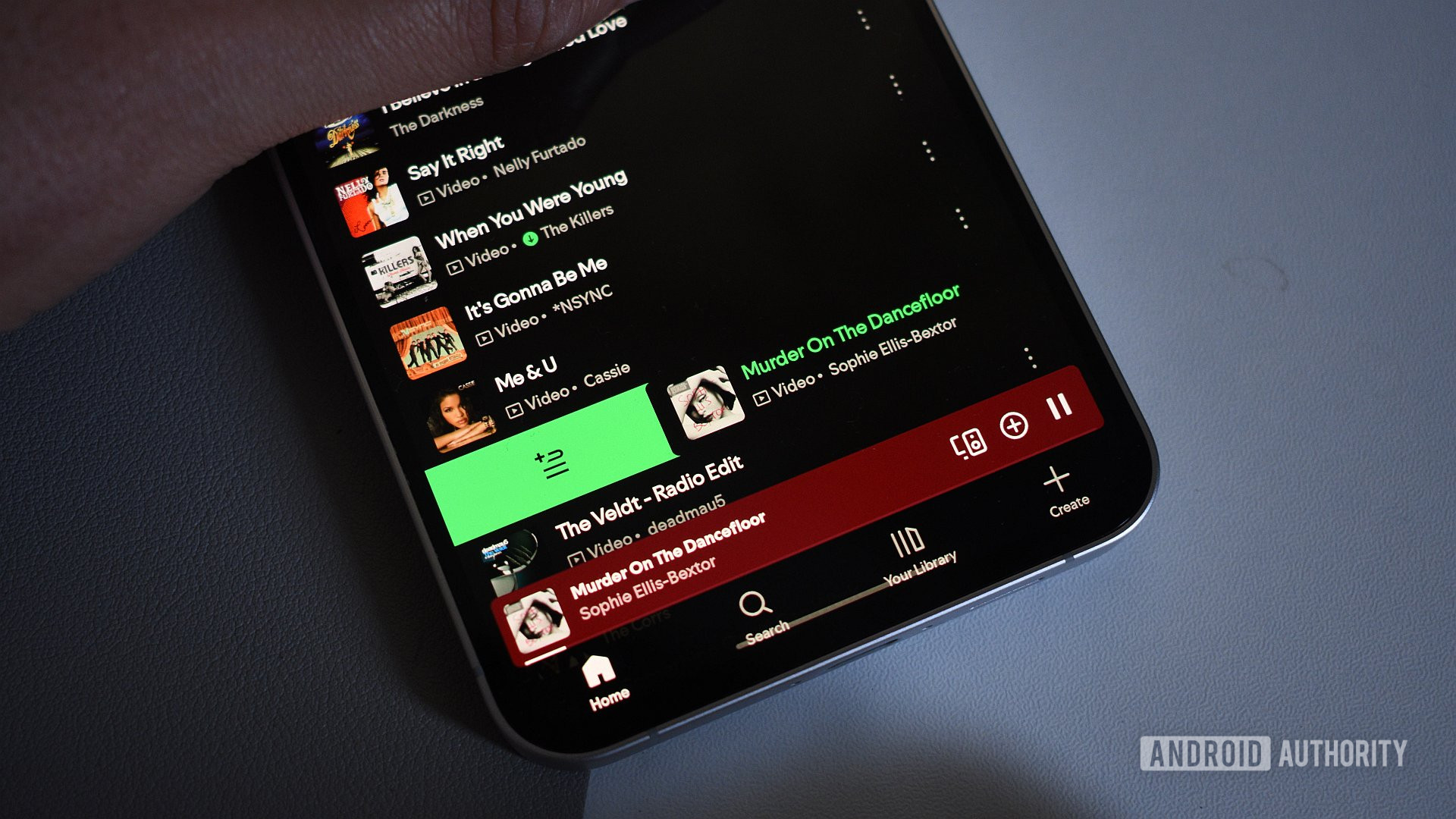
The bug appears to be specific to Spotify. Competing streaming services such as Tidal, YouTube Music, and Plex continue to detect and cast to Google Cast devices without issue. This narrow scope points to a software glitch within the Spotify Android app rather than a broader Cast infrastructure failure.
Timeline of the Glitch
Early reports of missing Cast devices surfaced in Spotify’s community forums back in 2024. However, the frequency of complaints has spiked dramatically in recent weeks, particularly on Reddit and Spotify’s official support threads. Over the past weekend, Spotify support representatives confirmed that the company is investigating the root cause.
The sudden surge suggests the bug may have been introduced by a recent app update or server-side change. Spotify has not yet specified whether the issue affects all Android versions or if it is limited to certain device models.
Impact on Users
For many households, Google Cast devices are the primary way to listen to music throughout the home. When Spotify Connect fails to list these speakers, users lose the ability to easily queue songs, adjust volume, or control playback from their phone. Some workarounds, such as using Spotify’s web player or the built-in casting feature on the Google Home app, are inconsistent or lack full functionality.
The problem is particularly frustrating because it is intermittent. Some users find that restarting their phone or router temporarily restores the connection, only to have the devices vanish again after a few hours. Others report that the issue persists across multiple networks and devices, ruling out local network configuration problems.
What to Try While Waiting for a Fix
Basic Steps
- Force-stop the Spotify app and clear its cache (Settings > Apps > Spotify > Storage > Clear Cache).
- Restart your Android device and the Cast speaker.
- Check for Spotify updates in the Google Play Store; roll back to a previous version if the issue started after an update (see section below).
Rolling Back Spotify
If you suspect a recent update triggered the bug, you can uninstall the current version and install an older one from a trusted APK repository. Be aware that this may also roll back security patches and new features. To do this:
- Uninstall Spotify from your device.
- Download an older APK (e.g., from APKMirror) that is known to work with Cast devices.
- Install the APK and turn off automatic updates in the Play Store.
Alternative Casting Methods
- Use the Google Home app: Open Google Home, select your speaker, and choose “Cast my audio” or “Cast screen/audio” from the device settings. This mirrors your phone’s audio, but you lose Spotify Connect’s native controls.
- Try Spotify’s web player on a laptop or desktop, then cast the entire browser tab to your device. This is clunky but works in a pinch.
- Switch to another streaming service temporarily if you have access to Tidal, YouTube Music, or Plex. These apps are currently unaffected.
Possible Causes and Expert Speculation
Because the bug only affects Spotify and not other Cast-enabled apps, the likely culprit is a change in how Spotify’s Android app discovers or communicates with Cast devices. This could stem from:
- Changes to Spotify’s implementation of the Cast SDK – a bad update may have broken the device discovery protocol.
- Authentication token issues – Spotify Connect may fail to authenticate with Google’s Cast framework on certain devices.
- Server-side configuration errors – Spotify may have altered how device lists are fetched, causing timeouts or empty results.
Without an official statement from Spotify detailing the root cause, these remain guesses. However, the fact that the company is actively investigating suggests they have isolated the issue internally.
Spotify’s Official Acknowledgment
As of the most recent update, Spotify representatives have stated on community forums:
“We’re aware of an issue where some Google Cast devices are not appearing in Spotify Connect on Android. Our team is investigating and we’ll update this thread when we have more information.”
No estimated time for a fix has been given. Users are encouraged to monitor the official thread for updates.
How to Prevent Future Disruptions
To avoid being caught in similar Cast connectivity problems, consider these practices:
- Disable automatic app updates for Spotify and wait a week after each release before updating.
- Keep a backup casting method, like a physical Chromecast Audio adapter connected via auxiliary cable.
- Use multiple streaming services – if one app has issues, you can switch without losing your listening habit.
Conclusion and Next Steps
While the Spotify Cast glitch is inconvenient, it is not a hardware failure and it does not affect other apps. The most effective temporary solutions involve rolling back the Spotify app or using alternative casting paths. Spotify’s acknowledgment gives hope that a permanent fix is on the way, but patience will be needed.
In the meantime, check the troubleshooting section above for step-by-step guides. And remember: if your router is flashing but your speakers are silent, don’t factory-reset everything—the problem is almost certainly Spotify’s, not yours.